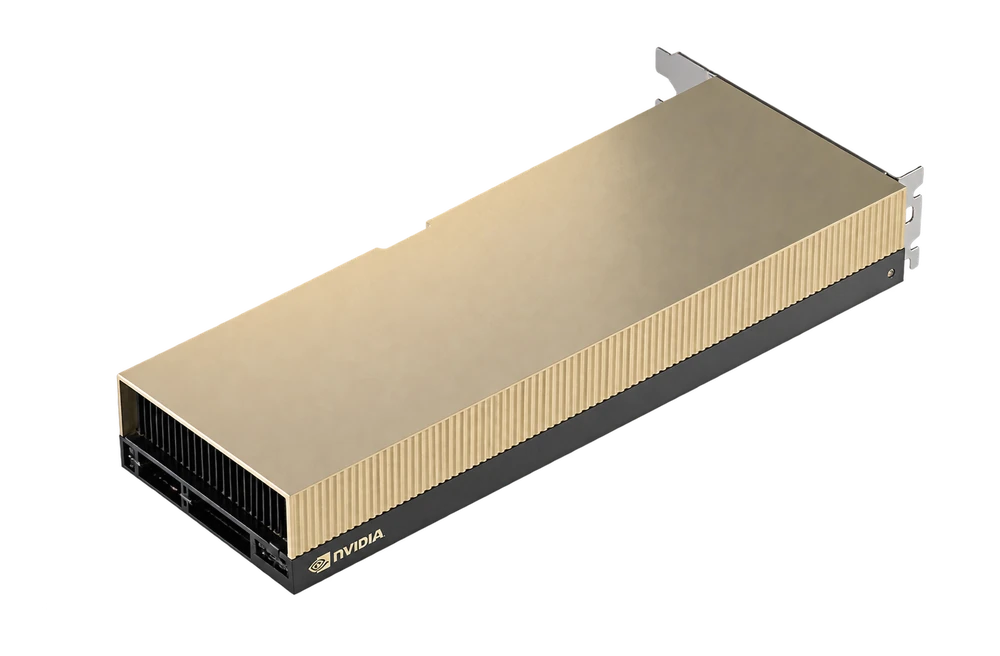
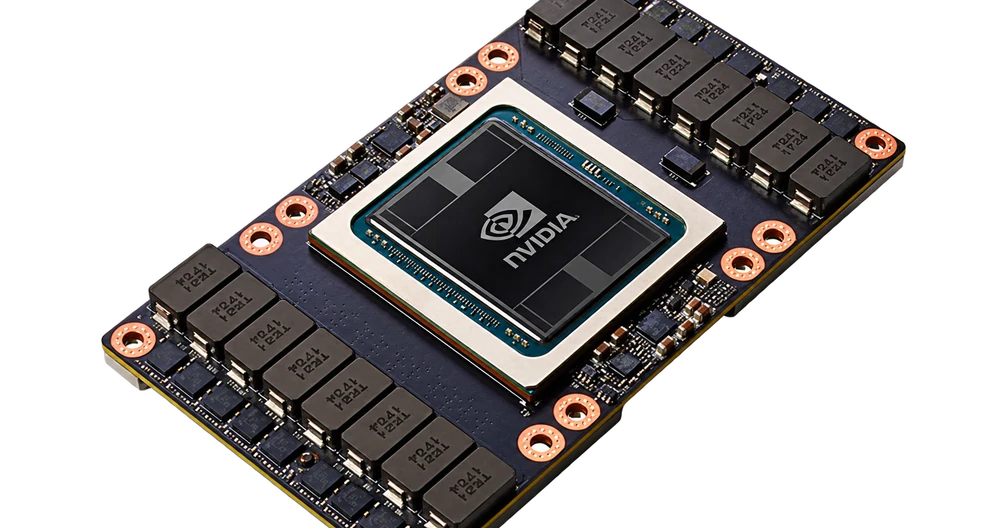
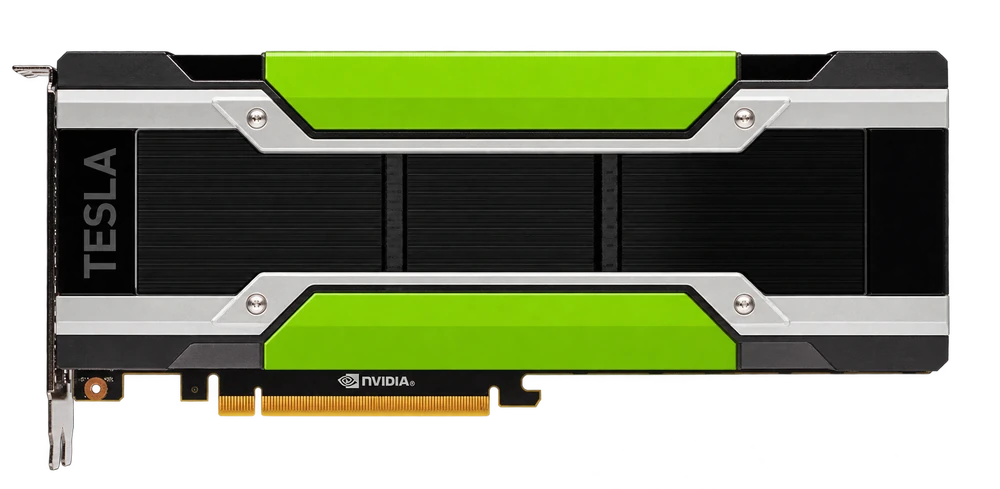
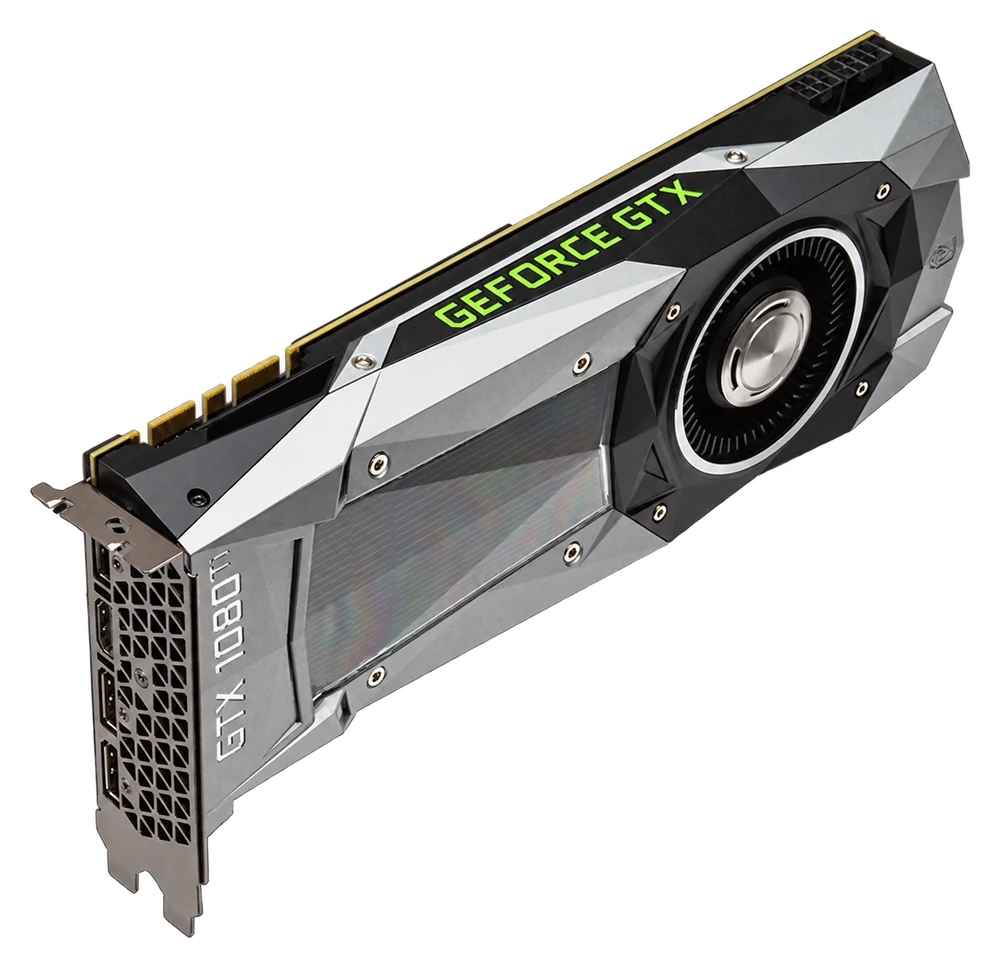
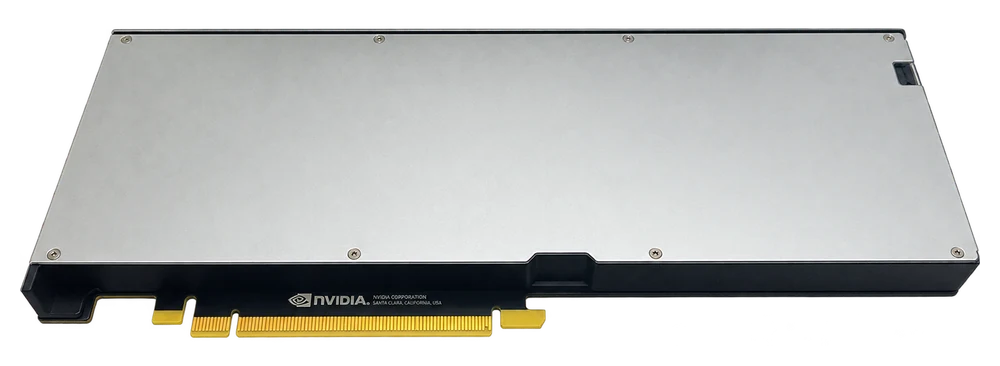
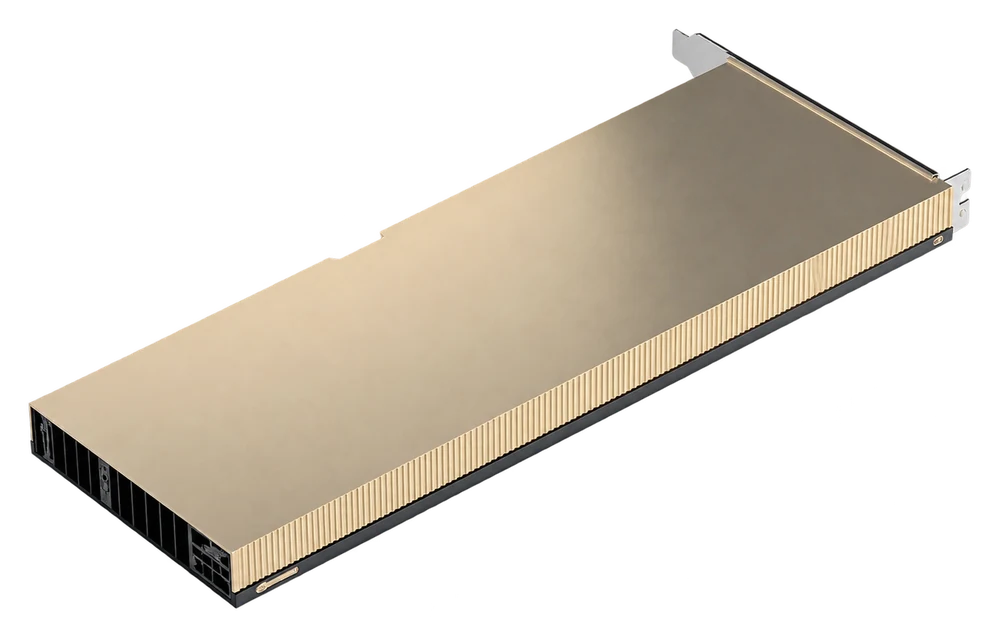
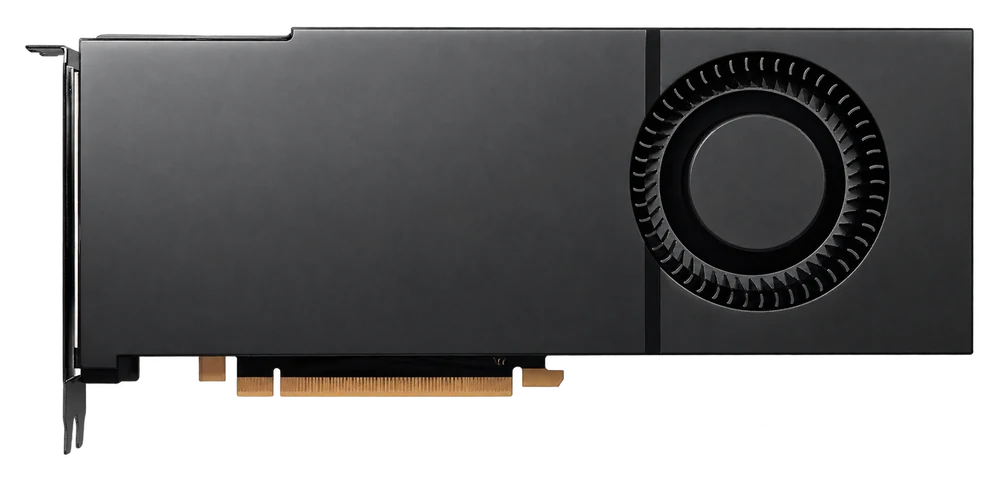
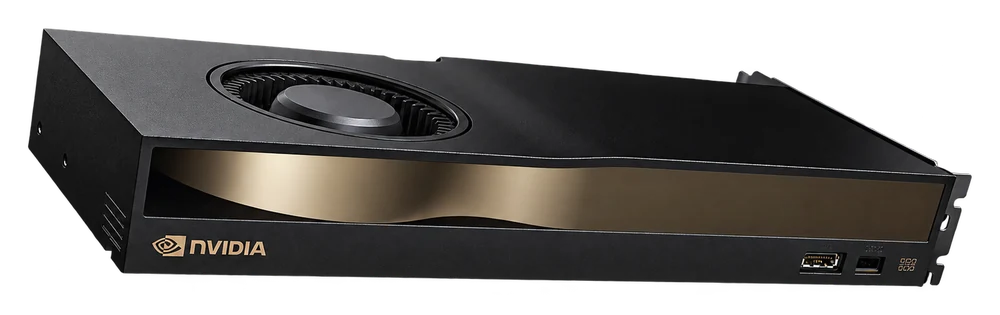
High-performance GPU server, fast deployment, optimized for AI, rendering, training, machine learning and workloads that require graphics processing power.
Dedicated resources matched to production workloads
Support team advises network, storage and security setup
Fast provisioning with monitoring and technical assistance
VRAM is per GPU and differs from server RAM. Multiple GPUs require software support for workload distribution; configuration and deployment availability are confirmed during consultation.
Vietnam
GPU Rental - GPU VPS - GPU Server Pricing
Prices show the total for the entire billing cycle. Discounts vary by configuration; see each plan's full billing price list.
Save 15% when paying for 12 months Total for selected billing cycle
$1,400/month
All billing prices
1 month
$1,400
3 months5% off
$3,990
6 months10% off
$7,560
12 months15% off
$14,280
24 months20% off
$26,880
36 months25% off
$37,800
8 × GPU24 GB per GPU
Out of stock
GPU-8x3090
Private server with 8 Nvidia RTX3090 cards
CPU
2 x Intel Xeon Gold 6133
RAM
256 GB
Storage
4TB SSD NVMe
GPU
8 x Nvidia RTX 3090 24GB
CUDA
8 x 10496 CUDA Core
IP
01 IPv4
Support
Contact Support to order
Save 15% when paying for 12 months Total for selected billing cycle
$2,400/month
All billing prices
1 month
$2,400
3 months5% off
$6,840
6 months10% off
$12,960
12 months15% off
$24,480
24 months20% off
$46,080
36 months25% off
$64,800
1 × GPU24 GB per GPU
Out of stock
GPU-A30
Private server with 1 Nvidia A30 card
CPU
2 x Intel Xeon Gold 6133
RAM
128 GB
Storage
2TB SSD NVMe
GPU
Nvidia A30 24GB
Human processing
Tensor Core GPU
IP
01 IPv4
Support
Contact Support to order
Save 15% when paying for 12 months Total for selected billing cycle
$1,000/month
All billing prices
1 month
$1,000
3 months5% off
$2,850
6 months10% off
$5,400
12 months15% off
$10,200
24 months20% off
$19,200
36 months25% off
$27,000
2 × GPU24 GB per GPU
Out of stock
GPU-2xA30
New generation powerful Tensor Core server
CPU
2 x Intel Xeon Gold 6133
RAM
256 GB
Storage
4TB SSD NVMe
GPU
2 x Nvidia A30 24GB
Human processing
Tensor Core GPU
IP
01 IPv4
Support
Contact Support to order
Save 15% when paying for 12 months Total for selected billing cycle
$1,800/month
All billing prices
1 month
$1,800
3 months5% off
$5,130
6 months10% off
$9,720
12 months15% off
$18,360
24 months20% off
$34,560
36 months25% off
$48,600
4 × GPU24 GB per GPU
Out of stock
GPU-4 x A30
New generation powerful Tensor Core server
CPU
2 x Intel Xeon Gold 6133
RAM
256 GB
Storage
4TB SSD NVMe
GPU
4 x Nvidia A30 24GB
Human processing
Tensor Core GPU
IP
01 IPv4
Support
Contact Support to order
Save 15% when paying for 12 months Total for selected billing cycle
$3,200/month
All billing prices
1 month
$3,200
3 months5% off
$9,120
6 months10% off
$17,280
12 months15% off
$32,640
24 months20% off
$61,440
36 months25% off
$86,400
4 × GPU32 GB per GPU
Out of stock
GPU-4 x V100
SXM2 GPU Server - Nvlink Support
CPU
2 x Intel Xeon Gold 6133
RAM
256 GB
Storage
4TB SSD NVMe
GPU
4 x Nvidia Tesla V100 32GB
Connect
SXM2 Nvlink AI Server
IP
01 IPv4
Support
Contact Support to order
Save 15% when paying for 12 months Total for selected billing cycle
$2,000/month
All billing prices
1 month
$2,000
3 months5% off
$5,700
6 months10% off
$10,800
12 months15% off
$20,400
24 months20% off
$38,400
36 months25% off
$54,000
1 × GPU48 GB per GPU
Out of stock
GPU-A40
New generation powerful Tensor Core server
CPU
2 x Intel Xeon Gold 6133
RAM
128 GB
Storage
2TB SSD NVMe
GPU
Nvidia A40 48GB
Human processing
Tensor Core GPU
IP
01 IPv4
Support
Contact Support to order
Save 15% when paying for 12 months Total for selected billing cycle
$1,400/month
All billing prices
1 month
$1,400
3 months5% off
$3,990
6 months10% off
$7,560
12 months15% off
$14,280
24 months20% off
$26,880
36 months25% off
$37,800
1 × GPU24 GB per GPU
Out of stock
GPU-RTX 4090
New generation powerful Tensor Core server
CPU
2 x Intel Xeon Gold 6133
RAM
128 GB
Storage
2TB SSD NVMe
GPU
Nvidia RTX 4090 24GB
Human processing
Cuda Core - Tensor Core GPU
IP
01 IPv4
Support
Contact Support to order
Save 15% when paying for 12 months Total for selected billing cycle
$800/month
All billing prices
1 month
$800
3 months5% off
$2,280
6 months10% off
$4,320
12 months15% off
$8,160
24 months20% off
$15,360
36 months25% off
$21,600
2 × GPU24 GB per GPU
Out of stock
GPU-2 x 4090
New generation powerful AI server
CPU
2 x Intel Xeon Gold 6133
RAM
256 GB
Storage
4TB SSD NVMe
GPU
2 x Nvidia RTX 4090
Human processing
Cuda Core - Tensor Core GPU
IP
01 IPv4
Support
Contact Support to order
Save 15% when paying for 12 months Total for selected billing cycle
$1,400/month
All billing prices
1 month
$1,400
3 months5% off
$3,990
6 months10% off
$7,560
12 months15% off
$14,280
24 months20% off
$26,880
36 months25% off
$37,800
4 × GPU24 GB per GPU
Out of stock
GPU-4 x 4090
New generation powerful Tensor Core server
CPU
2 x Intel Xeon Gold 6133
RAM
256 GB
Storage
4TB SSD NVMe
GPU
4 x Nvidia RTX 4090
Human processing
Cuda Core - Tensor Core GPU
IP
01 IPv4
Support
Contact Support to order
Save 15% when paying for 12 months Total for selected billing cycle
$2,600/month
All billing prices
1 month
$2,600
3 months5% off
$7,410
6 months10% off
$14,040
12 months15% off
$26,520
24 months20% off
$49,920
36 months25% off
$70,200
1 × GPU48 GB per GPU
Out of stock
GPU-L40S
New generation server with L40S GPU
CPU
2 x Intel Xeon Gold 6133
RAM
128 GB
Storage
2TB SSD NVMe
GPU
Nvidia L40S 48GB
Human processing
Cuda Core - Tensor Core GPU
IP
01 IPv4
Support
Contact Support to order
Save 15% when paying for 12 months Total for selected billing cycle
$1,500/month
All billing prices
1 month
$1,500
3 months5% off
$4,275
6 months10% off
$8,100
12 months15% off
$15,300
24 months20% off
$28,800
36 months25% off
$40,500
1 × GPU48 GB per GPU
Out of stock
GPU-RTX 5880
New generation powerful AI server
CPU
2 x Intel Xeon Gold 6133
RAM
128 GB
Storage
2TB SSD NVMe
GPU
Nvidia RTX 5880 ADA 48GB
Human processing
Cuda Core - Tensor Core GPU
IP
01 IPv4
Support
Contact Support to order
Save 15% when paying for 12 months Total for selected billing cycle
$1,400/month
All billing prices
1 month
$1,400
3 months5% off
$3,990
6 months10% off
$7,560
12 months15% off
$14,280
24 months20% off
$26,880
36 months25% off
$37,800
1 × GPU48 GB per GPU
Out of stock
GPU-RTX 6000
New generation powerful Tensor Core server
CPU
2 x Intel Xeon Gold 6133
RAM
128 GB
Storage
2TB SSD NVMe
GPU
Nvidia RTX 6000 ADA 48GB
Human processing
Cuda Core - Tensor Core GPU
IP
01 IPv4
Support
Contact Support to order
Save 15% when paying for 12 months Total for selected billing cycle
$1,500/month
All billing prices
1 month
$1,500
3 months5% off
$4,275
6 months10% off
$8,100
12 months15% off
$15,300
24 months20% off
$28,800
36 months25% off
$40,500
1 × GPU40 GB per GPU
Out of stock
GPU-A100 40G
New generation server with A100 40GB GPU
CPU
2 x Intel Xeon Gold 6133
RAM
128 GB
Storage
2TB SSD NVMe
GPU
Nvidia A100 40GB
Human processing
Cuda Core - Tensor Core GPU
IP
01 IPv4
Support
Contact Support to order
Save 15% when paying for 12 months Total for selected billing cycle
$1,600/month
All billing prices
1 month
$1,600
3 months5% off
$4,560
6 months10% off
$8,640
12 months15% off
$16,320
24 months20% off
$30,720
36 months25% off
$43,200
1 × GPU80 GB per GPU
Out of stock
GPU-A100 80G
New generation server with A100 80GB GPU
CPU
2 x Intel Xeon Gold 6133
RAM
128 GB
Storage
2TB SSD NVMe
GPU
Nvidia A100 80GB
Human processing
Cuda Core - Tensor Core GPU
IP
01 IPv4
Support
Contact Support to order
Save 15% when paying for 12 months Total for selected billing cycle
$3,200/month
All billing prices
1 month
$3,200
3 months5% off
$9,120
6 months10% off
$17,280
12 months15% off
$32,640
24 months20% off
$61,440
36 months25% off
$86,400
1 × GPU80 GB per GPU
Out of stock
GPU-H100 80G
New generation server with H100 80GB GPU
CPU
2 x Intel Xeon Gold 6133
RAM
128 GB
Storage
2TB SSD NVMe
GPU
Nvidia H100 80GB
Human processing
Cuda Core - Tensor Core GPU
IP
01 IPv4
Support
Contact Support to order
Save 15% when paying for 12 months Total for selected billing cycle
$3,800/month
All billing prices
1 month
$3,800
3 months5% off
$10,830
6 months10% off
$20,520
12 months15% off
$38,760
24 months20% off
$72,960
36 months25% off
$102,600
Explore GPU specifications and deployment
Choose a GPU to explore its architecture, memory, strengths and matching server configurations.
NVIDIA · Ada Lovelace
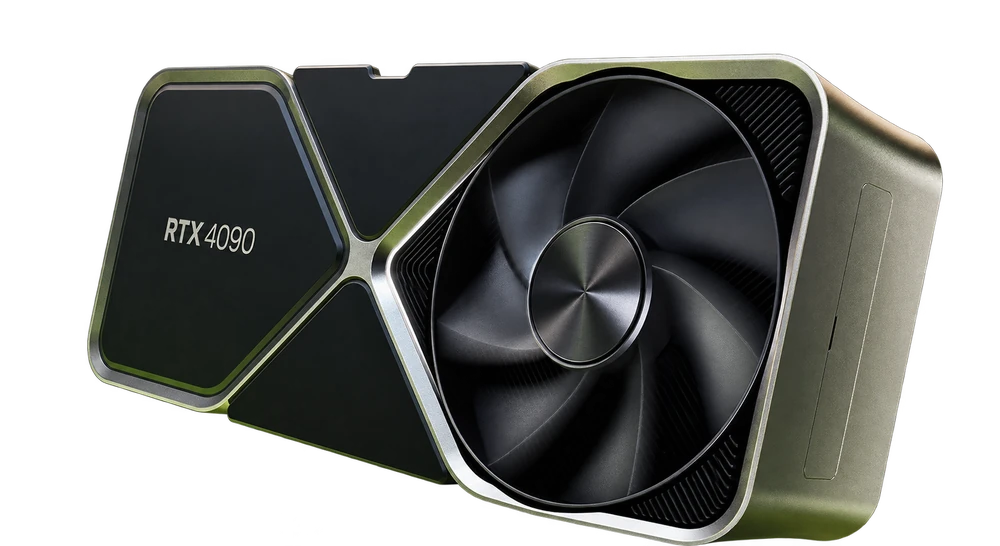
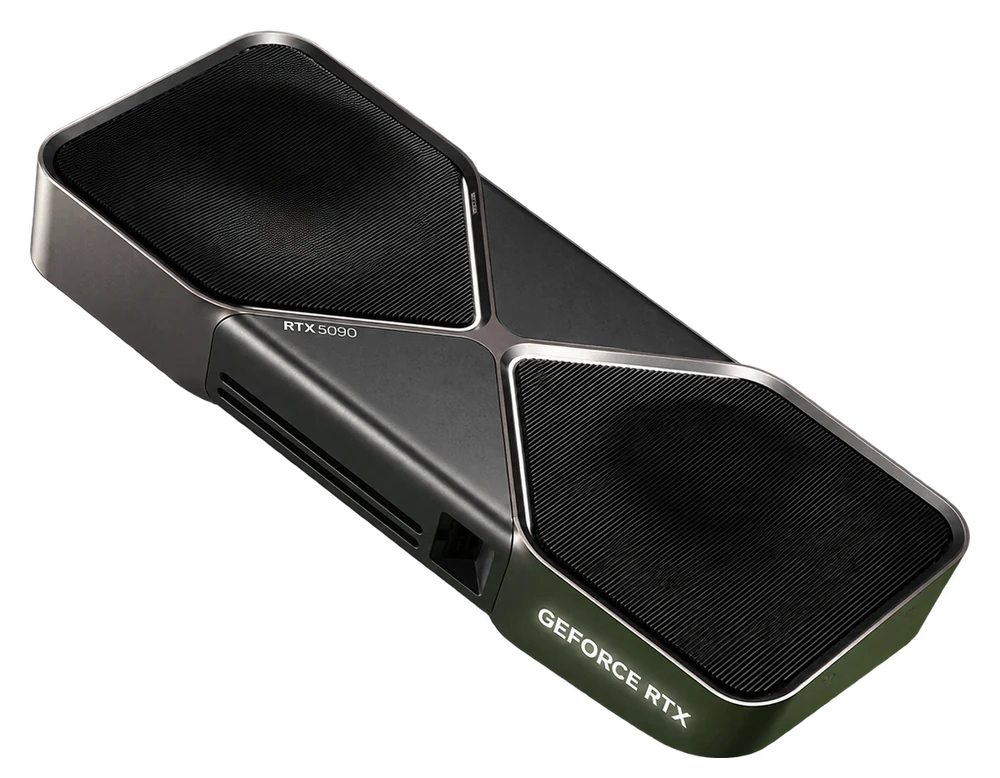
GeForce RTX 4090
RTX 4090 combines CUDA with fourth-generation Tensor Cores and third-generation RT Cores. Use it for inference, image processing or GPU rendering, with model size and batch size sized for each card’s VRAM.
RTX 3090 has third-generation Tensor Cores and second-generation RT Cores. VPSTTT lists servers with 2, 4 or 8 cards; your software must support multiple GPUs to use the configuration effectively.
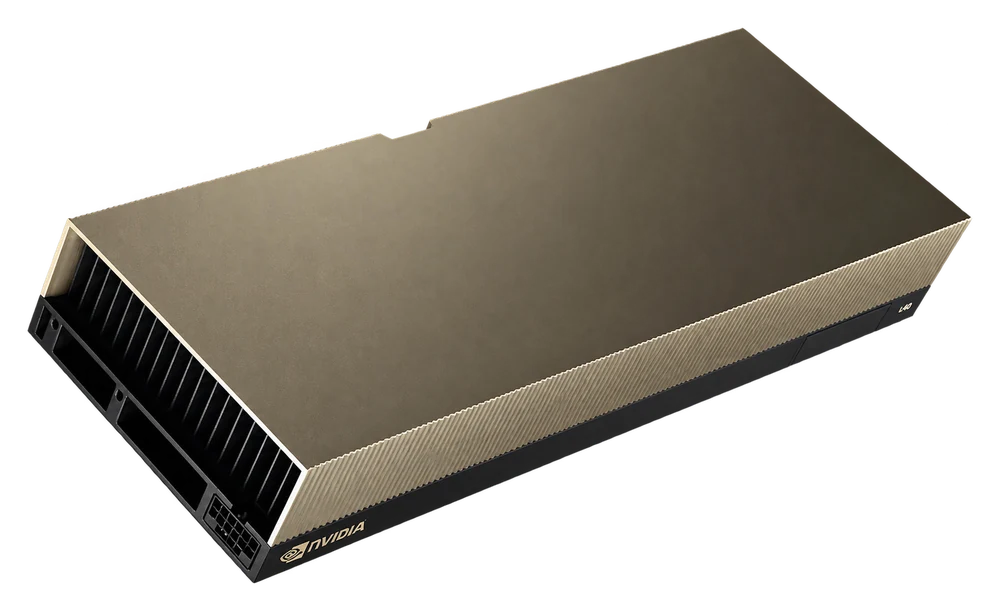
L40S combines ECC GDDR6 memory, fourth-generation Tensor Cores and third-generation RT Cores. This data-center GPU serves AI and graphics workloads, with more memory capacity for models and render scenes than the 24 GB group.
A40 offers third-generation Tensor Cores and second-generation RT Cores for data-center visual computing. Consider it for VRAM capacity, rendering or remote workstations; software and related licenses depend on your needs.
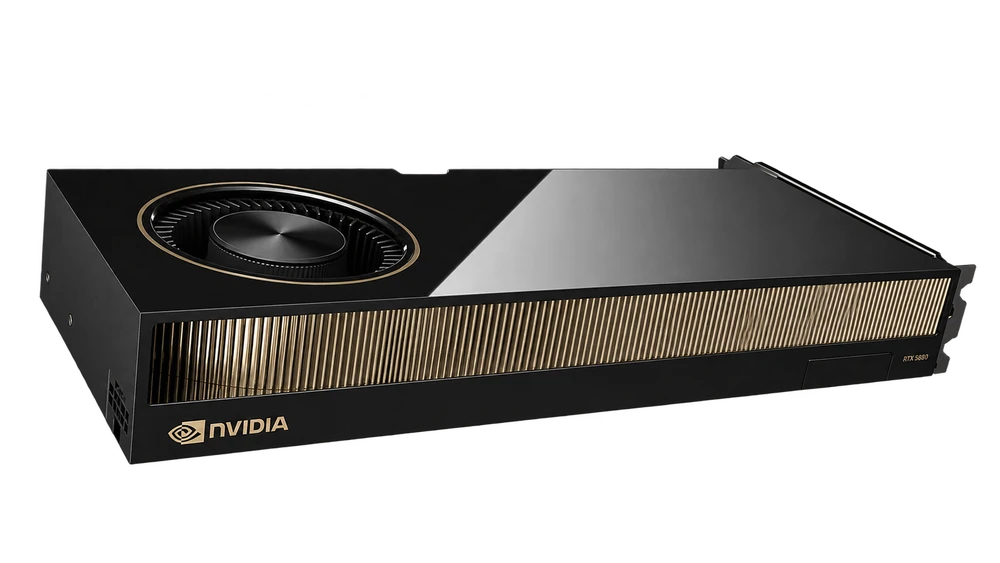
RTX 5880 Ada combines fourth-generation Tensor Cores, third-generation RT Cores and ECC memory. It serves professional graphics, content processing and AI work needing substantial memory on one card.
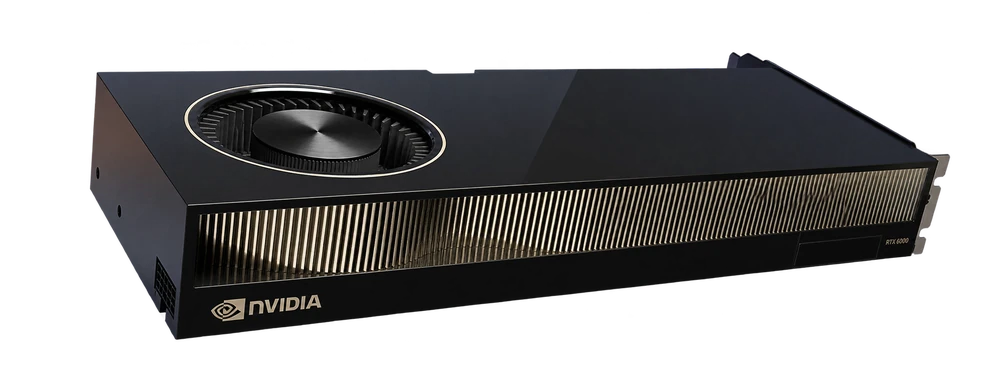
RTX 6000 Ada features fourth-generation Tensor Cores and third-generation RT Cores. This is the 48 GB Ada model listed by VPSTTT; select it for design, simulation, rendering or AI and verify your software’s compatibility.
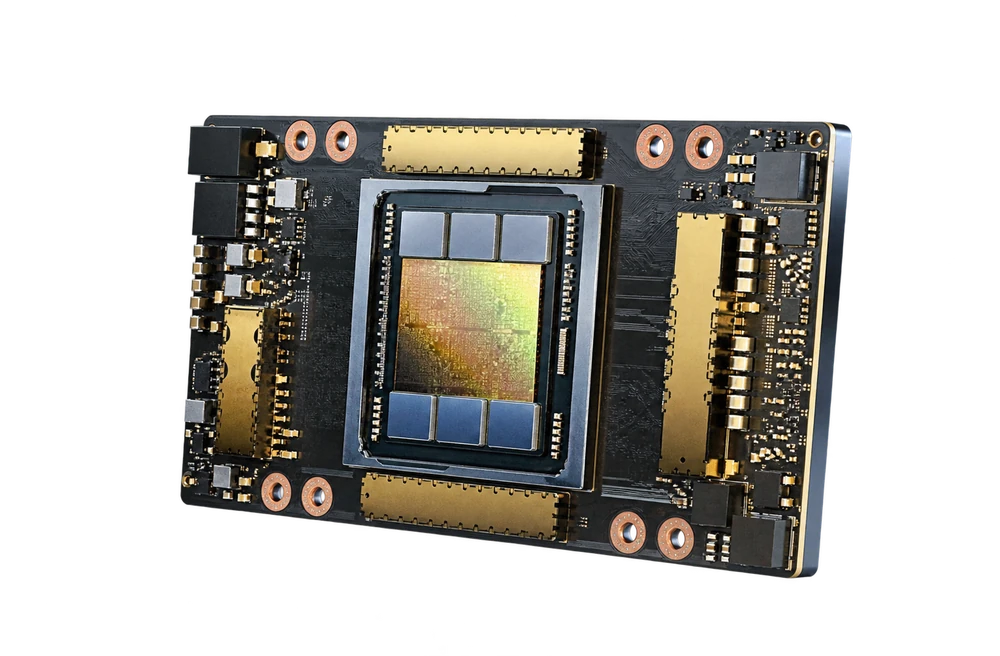
A100 40 GB uses HBM2, while the 80 GB model uses HBM2e. The GPU offers third-generation Tensor Cores and MIG. VPSTTT lists both memory sizes; PCIe/SXM variants and CPU, RAM and storage are confirmed for your chosen server.
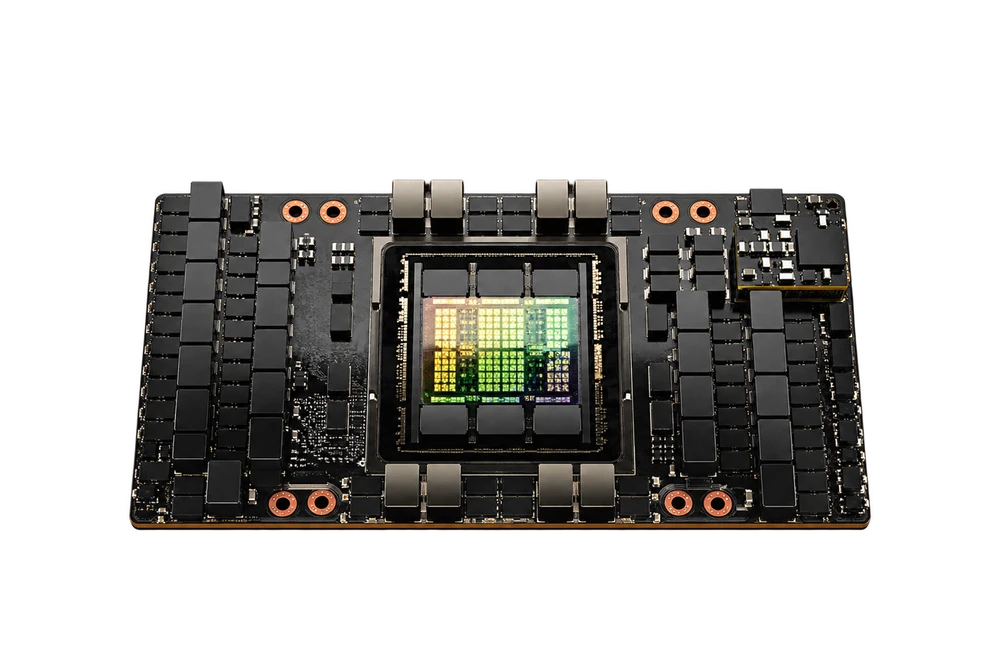
H100 includes fourth-generation Tensor Cores and a Transformer Engine. The 80 GB PCIe model uses HBM2e and the 80 GB SXM model uses HBM3; confirm the variant, connectivity and server configuration. Memory capacity is one factor alongside software, batch size and model partitioning.
A30 provides 933 GB/s memory bandwidth, third-generation Tensor Cores and MIG. The server catalog includes 1, 2 or 4 A30 cards; VPSTTT advises on configuration for inference load, data and deployment needs.
V100 introduced first-generation Tensor Cores for deep learning and HPC. VPSTTT lists a four-card V100 32 GB SXM2 server with NVLink. Validate software, frameworks and workload partitioning for your project.
P40 provides 3,840 CUDA cores and 24 GB of GDDR5 memory. VPSTTT lists a two-card P40 server. For this Pascal-generation GPU, verify the framework, driver and CUDA versions your project requires.
VRAM is per GPU and differs from server RAM. Multiple GPUs require software support for workload distribution; configuration and deployment availability are confirmed during consultation.
Powerful & stable GPU Server infrastructure
Powerful GPU
Optimized for AI, deep learning, video rendering, image processing and problems that require GPU acceleration.
A GPU server is a server equipped with specialized graphics cards to accelerate parallel computing, AI, rendering and large data processing tasks.
Unlike regular CPU servers, GPU servers are suitable for problems that require thousands of cores to process simultaneously such as model training, inference, video rendering or simulation.
VPSTTT wants to bring the best operating experience to customers. For more detailed information, you can contact us via
Fanpage or ZaloOA.
What is GPU Server rental used for?
GPU servers are suitable for AI, machine learning, rendering, simulation and workloads that need continuous graphics processing power. Dedicated GPU resources help shorten job run times, proactively control the software environment, and operate more stably when workloads last many hours.
Training AI and Machine Learning
Train models, run notebooks, process large datasets and test AI algorithms with CUDA, PyTorch or TensorFlow. GPU server helps reduce training time and proactively allocate resources for many testing sessions.
Accelerate 3D rendering, video, animation or professional graphics workflows. Suitable for studios, design teams and projects that need to export multiple frames, scenes or high-resolution videos.
Deploying AI services needs to respond quickly, handle many requests and operate stably. Can be used for chatbots, computer vision, OCR, image generation or backend AI production.
Suitable for simulation, big data analysis, research lab or problems that require GPUs according to the project. Customers can choose the appropriate configuration to balance performance, cost and rental time.
When should you choose Rent GPU - GPU VPS - GPU Servers?
Rent GPU - GPU VPS - GPU Servers should be chosen according to operational goals, user location, security requirements and scalability, not just based on lowest price.
01 Own physical resources
Suitable for large databases, game servers, virtualization, storage, proxy nodes or high load workloads requiring long-term stable performance.
02 Configurable by application
Prioritize CPU/RAM according to main workload, NVMe for high I/O and large bandwidth if transferring data frequently.
03 Operating standard
Prepare OS, IP, firewall, backup, administrative rights, monitoring and troubleshooting procedures before official deployment.
Quick comparison by situation
Situation
Rent GPU - GPU VPS - GPU Servers
Should consider further
Workload load is continuously high
Private hardware, better predictable performance
VPS is suitable for small loads or needs to scale quickly
Needs deep control
Proactive BIOS/IPMI/KVM, RAID, OS and network
Managed server if there is a lack of internal operations team
There are many important services
Separate database, app, backup, firewall according to separate architecture
Colocation if hardware is available
Frequently asked questions about GPU server rental
Common questions when using server services at VPSTTT.
Are server GPUs suitable for AI?+
Have. GPU servers are suitable for training, inference, machine learning, deep learning and workloads that need GPU acceleration.
Is there support for installing AI drivers or frameworks?+
Support can be provided upon request, including GPU drivers, CUDA, frameworks or project runtime environments.
How are GPU rental billing prices calculated?+
Six cycles are available: 1, 3, 6, 12, 24 and 36 months. The seven plans from GPU-11GB to GPU-48GB Big use separately listed cycle prices. Other configurations receive 5/10/15/20/25% off for 3/6/12/24/36 months. Each plan shows its actual total and discount.
Can I rent for short-term projects?+
Consultation can be made according to actual needs and GPU resource status at the time of registration.
How much discount is paid for 12 months?+
Six cycles are available: 1, 3, 6, 12, 24 and 36 months. The seven plans from GPU-11GB to GPU-48GB Big use separately listed cycle prices. Other configurations receive 5/10/15/20/25% off for 3/6/12/24/36 months. Each plan shows its actual total and discount.
Does the GPU server have full administrative rights?+
Have. Customers can get appropriate administrative access to install the environment, framework, source code, and tools for the project.
Should I choose RTX 3090, 4090, A100 or H100?+
Depends on workload. RTX 3090/4090 is suitable for many common AI and rendering problems, A100/H100 is suitable for intensive training, large models or higher computing needs.
Does it support NVMe storage and backup?+
Have. Many configurations already have large capacity NVMe SSDs, and VPSTTT can advise on additional backup or snapshot options according to operational needs.
Server Manager
Professional Server Management Interface
Centrally monitor and operate Cloud Server with configuration information, IP, resources, security, operation history and service cycles. Important tasks such as changing passwords, upgrading, renewing and monitoring performance are done clearly and conveniently.
Server information
Quickly check packet type, number of IPs, supported protocols, operating status, and deadlines to manage multiple Servers more clearly in the same account.
VPSTTTControl Panel
7+ Years Supporting Stable, Scalable Digital Infrastructure
Key numbers that help customers choose VPSTTT VPS, proxy, hosting, server and digital infrastructure services with confidence.
7+
years deploying and operating digital infrastructure
50K+
customers and partners trust the VPSTTT ecosystem
24/7
technical support throughout the service lifecycle
99.9%
uptime target for business-critical infrastructure
10Gbps
high-speed connectivity for diverse workloads
HanoiNha TrangHo Chi Minh CityHoang SaTruong Sa
Datacenter Infrastructure Across Vietnam
VPSTTT servers are located in Hanoi, Nha Trang and Ho Chi Minh City, so you can pick the location closest to your users.
North
Hanoi
FPT Hanoi17 Duy Tan Street, Cau Giay Ward, Hanoi
CMC Hanoi11 Duy Tan Street, Cau Giay Ward, Hanoi
Central
Nha Trang
VPSTTT Nha Trang Datacenter30 Phan Dinh Phung Street, Nha Trang Ward, Khanh Hoa Province
South
Ho Chi Minh City
FPT Ho Chi Minh CityFPT Fornix HCM02 Data Center, Lot T2-5, D1 Street, Tang Nhon Phu Ward, Ho Chi Minh City
Trusted By More Than 50,000 Customers And Partners Worldwide
VPSTTT In The Press And Media
VPSTTT GROUP - Technology infrastructure, the foundation for digital growth | Business highlights
Customer Reviews Of VPSTTT Service Quality
Feedback from customers running websites, VPS, proxy, hosting and server systems with VPSTTT.
Google★★★★★ Rating: 5/5 | 125 Reviews
Facebook★★★★★ Rating: 4.9/5 | 62 Reviews
Trustpilot★★★★★ Rating: 5/5 | Trustpilot Reviews
HostAdvice★★★★★ Rating: 5/5 | HostAdvice Reviews
Business Customer
E-commerce website and landing pages ★★★★★
Stable service, responsive support and configuration advice closely aligned with real operating needs.
MMO Operations Team
Automation, tools and proxy/VPS ★★★★★
The infrastructure is easy to scale and manage, with flexible options for separating workloads by campaign.
Internal Engineering Team
API, dashboard and database ★★★★★
The VPS runs our production systems reliably, with clear support whenever resources need checking or upgrading.
Customer Performance Journeys With VPSTTT VPS
Customers with low-performing websites achieved major gains after moving to VPSTTT VPS infrastructure. A faster, more stable and SEO-ready platform also helps search engines and AI systems discover, understand and recommend their content.
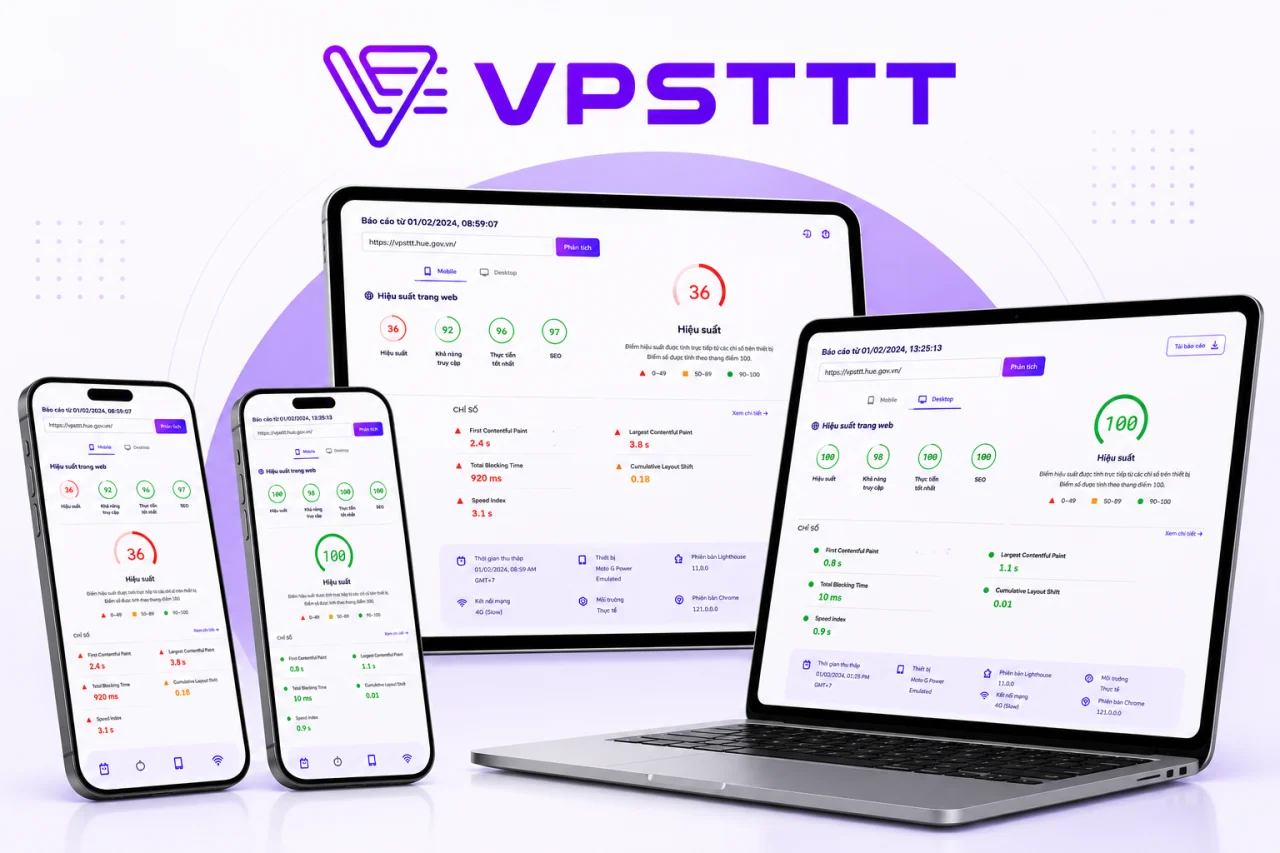
VPSTTT.COM Reaches A 100 Performance Score On NVMe VPS
VPSTTT.COM previously scored 36 for performance. After moving to a suitable NVMe VPS and optimizing caching, images, CSS and JavaScript, performance reached 100, with SEO and Best Practices also scoring 100. The faster and more stable platform helps search engines and AI systems crawl, understand and surface service content more effectively.
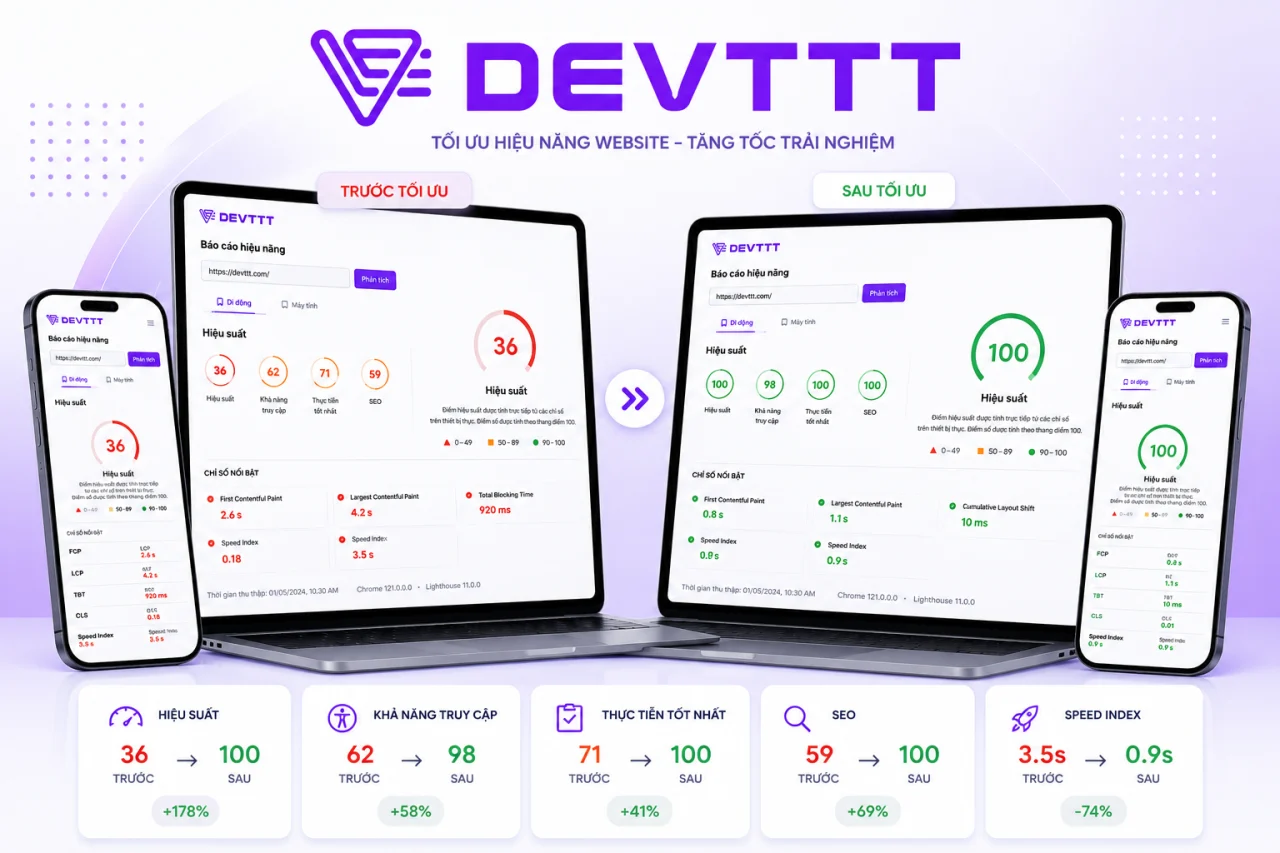
DEVTTTPerformance 36 → 100
DEVTTT Improves From 36 To 100 With VPSTTT VPS
Before using VPSTTT VPS, DEVTTT scored only 36 for performance, slowing access to its portfolio and web design services. After migrating and optimizing resources, performance reached 100 while accessibility, Best Practices and SEO improved together, creating a stronger foundation for Google and AI tools to discover and evaluate the content.
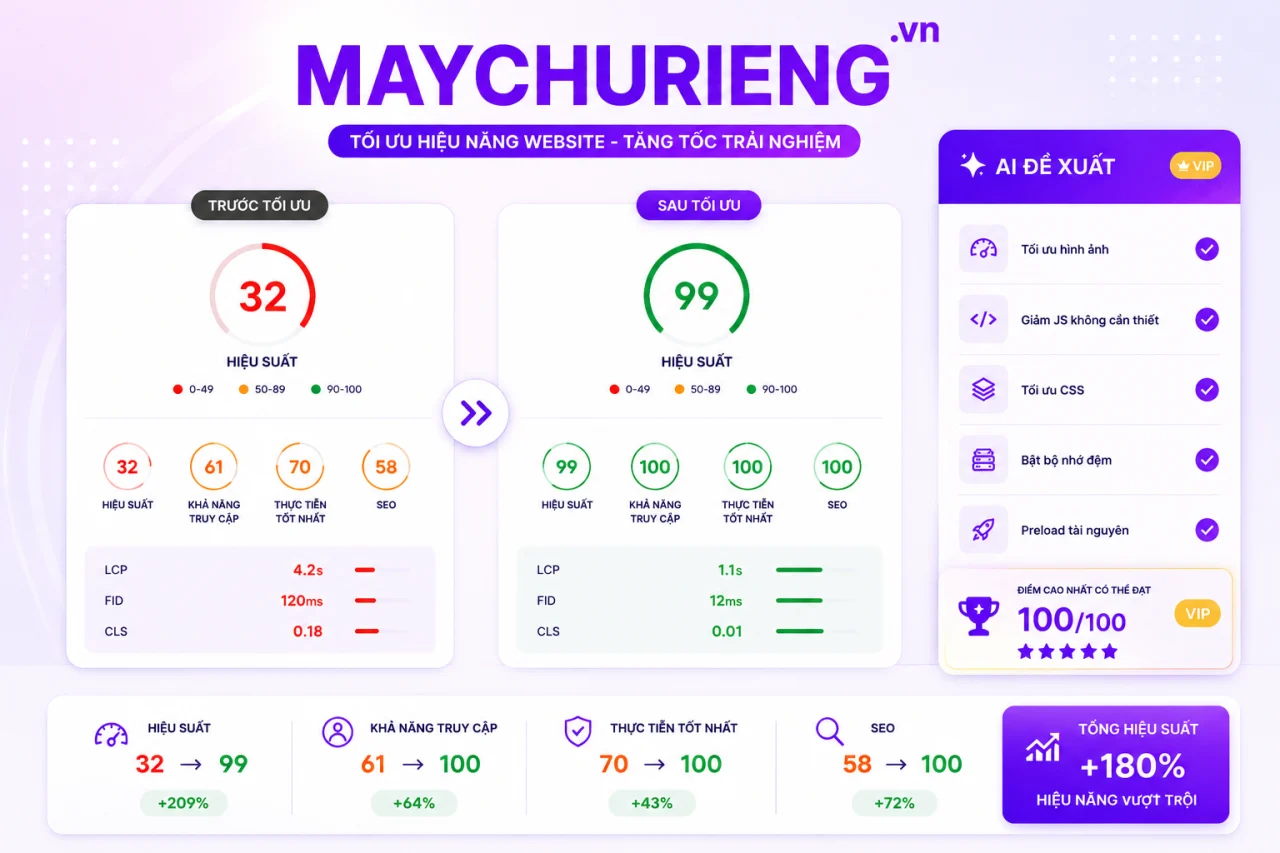
MAYCHURIENG.VNPerformance 32 → 99
MAYCHURIENG.VN Improves From 32 To 99 After Its VPS Migration
MAYCHURIENG.VN previously scored only 32 on its former infrastructure. After moving to VPSTTT VPS and optimizing images, CSS, JavaScript, caching and priority resources, performance rose to 99 while accessibility, Best Practices and SEO reached 100. Faster responses make its server content easier for search engines and AI systems to find and understand.
THUERACK.VNPerformance 27 → 99
THUERACK.VN Improves From 27 To 99 On VPSTTT VPS
Before migrating, THUERACK.VN scored 27 for performance, causing slow service pages and weaker engagement. Running on VPSTTT VPS with optimized images, code and caching raised performance to 99, while the other three Lighthouse categories reached 100. Better speed and structure help Google and AI systems crawl and evaluate the website more effectively.
THUECHODAT.VNPerformance 32 → 99
THUECHODAT.VN Improves From 32 To 99 After Moving To VPSTTT VPS
THUECHODAT.VN previously scored 32 before moving to VPSTTT VPS. After upgrading the infrastructure and optimizing assets across devices, performance reached 99, accessibility reached 99, and Best Practices and SEO reached 100. The faster, clearer website gives its service content a stronger foundation for traditional and AI search.
ASENRA.VNPerformance 31 → 99
ASENRA.VN Improves From 31 To 99 And Becomes More AI-Search Ready
ASENRA.VN presents architecture and interior design and construction services. Before moving to VPSTTT VPS, the site scored only 31 for performance; after upgrading the infrastructure and optimizing images, JavaScript, CSS and internal links, the score rose to 99. Faster loading, stronger stability and clearer structure help Google, AI Overviews and AI search systems crawl, understand and recommend its content to prospective customers.
TRANAIL.VNAll Lighthouse scores 70 → 100
TRANAIL.VN Improves From 70 To 100 Across Every Lighthouse Category
After moving to VPSTTT VPS infrastructure and optimizing page resources, TRANAIL.VN improved performance from 70 to 100, while Accessibility, Best Practices and SEO all reached 100. The nail service website now loads faster and more reliably with a clearer structure across mobile and desktop.
You need a powerful GPU but don't want to invest in the hardware yourself from the beginning or have to handle all the electricity, networking, cooling and maintenance yourself.
Renting a GPU Server helps deploy quickly and flexibly according to workload and budget, especially for AI, rendering or research projects that need strong resources in each stage.
VPSTTT has a variety of GPU options from RTX, A-series to H100 to suit both testing, production and intensive workload needs.
Powerful GPU for AI, rendering and heavy workloads
Server GPU helps shorten processing time for heavy computing tasks, especially AI, rendering, model training, inference and big data analysis.
VPSTTT supports choosing appropriate GPU, CPU, RAM and storage to optimize project costs. Customers can start with a sufficient configuration, then expand to more powerful GPU lines as workload increases.
The technical team can advise on the operating environment, drivers, CUDA, AI framework and storage options to get the GPU server ready to serve work faster.